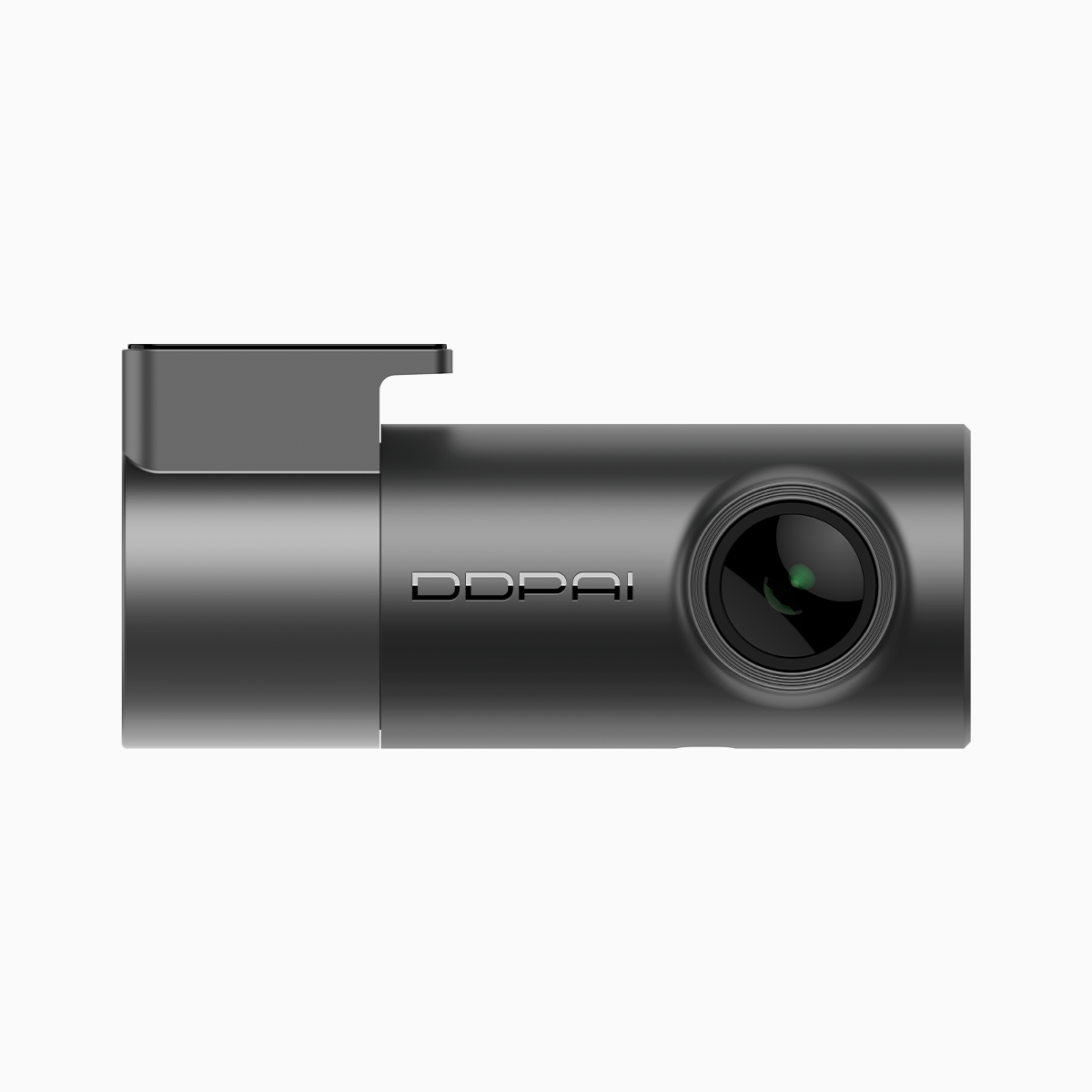
The Problem: Windshield Adhesion Under Tropical Conditions
Out here where the air hangs thick—think Metro Manila during monsoon season—electrostatic sticker mounts on dash cams often loosen up faster than folks expect. Drivers need gear that stays put through heat, humidity and sudden rain-soaked commutes, and a sensible pick like the budget friendly dash cam can be a practical start for most rides. From local replacements to online buys, many turn to the budget dash cam ph offerings because they balance price with the basics: decent field of view, Wi-Fi pairing and easy mounting.
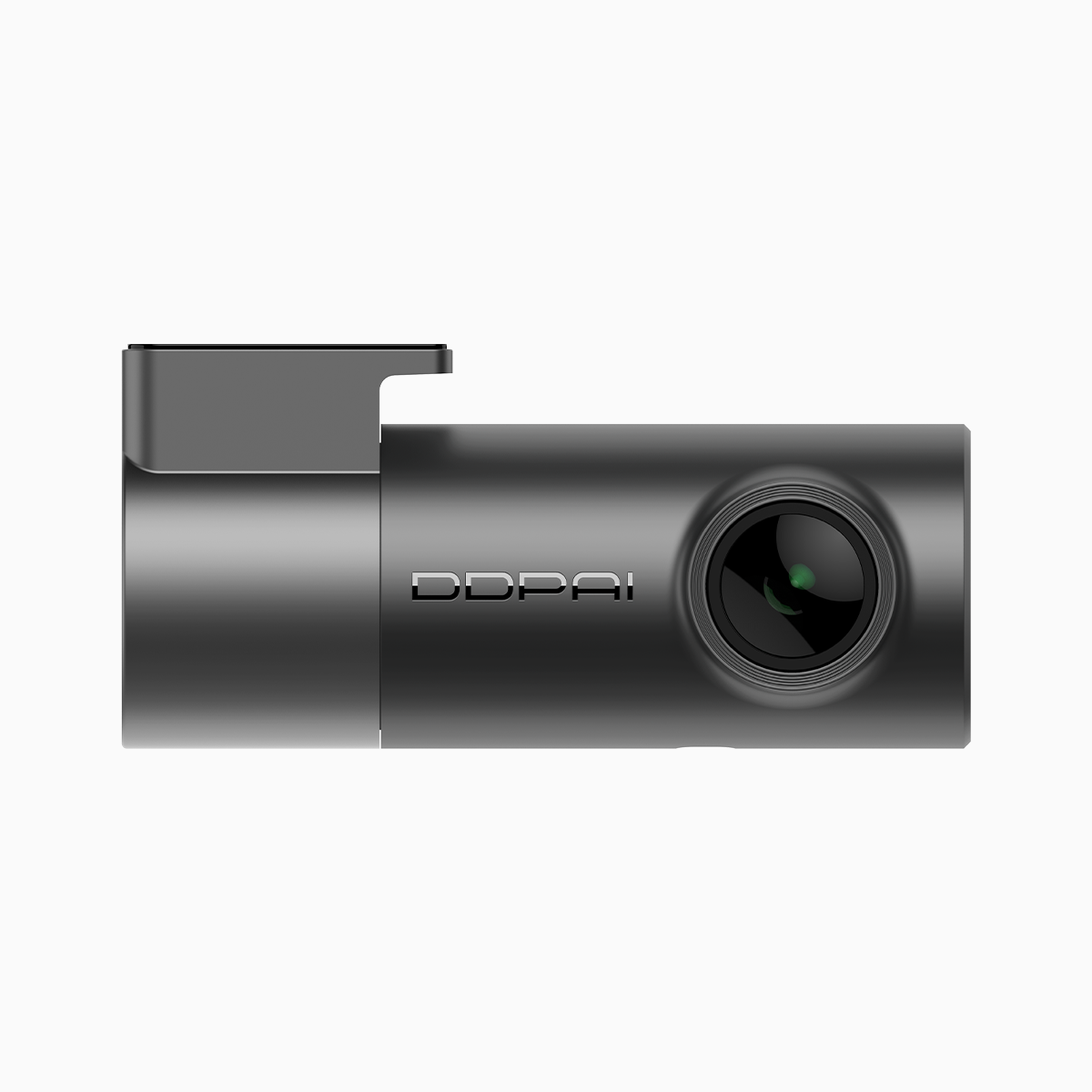
Why Electrostatic Stickers Fail More Often Than They Should
Electrostatic sticker mounts rely on charge and a clean surface to cling; humidity, road vibration and thermal cycling mess with both. Condensation under the pad reduces the electrostatic effect, while finger oils, dust and micro-scratches on glass give the sticker less real estate to hold. Add the weight of a compact unit with loop recording and a G-sensor, and the mount’s being asked to do more than it was designed for.
Design and Material Fixes That Actually Work
A few sensible fixes make a world of difference. First, choose a sticker or adhesive pad rated for high humidity and thermal variations. Second, pair the pad with a small mounting bracket or cradle that spreads load and reduces shear stress on the sticker. Third, when possible, place the unit where airflow and direct sun won’t heat the adhesive excessively — that keeps the adhesive matrix from softening. I’ve seen this work on real streets during a week of heavy rains in Metro Manila—kept a dash cam solid through sudden downpours and hot afternoons.
Step-by-Step Installation Checklist
Follow these steps for a reliable mount: clean the glass with isopropyl alcohol and let it dry; warm the adhesive pad slightly (body heat or warmed indoors) to activate its tack; press firmly for at least 30 seconds and let the assembly rest before driving. Use a small torque on the mounting screw or clip to avoid shifting the center of gravity. These small practices improve adhesion and reduce the chance of sagging or peeling under vibration.
Common Mistakes Drivers Keep Making
Drivers often rush installation or rely solely on the electrostatic pad for heavy units. They skip surface prep and assume a sticker rated for one climate suits all. Another widespread error is mounting near vents or under direct sun, where temperature swings and airflow undermine bond strength—simple relocation often cures the problem without extra cost. Also, never reuse a worn electrostatic pad; repeated peel-and-stick cycles kill the microstructure that holds the charge.
Alternatives and When to Upgrade
If your device carries extra sensors or a heavier housing, switch from purely electrostatic mounts to adhesive tapes rated for automotive use or a screw-clamp bracket that attaches to the headliner or rearview mount. For those needing wireless features and easy offloading, Wi-Fi-enabled dash cams with modular mounts give flexibility—trade portability for sturdier attachment. Upgrading makes sense when you need advanced features like higher-resolution recording, extended FOV, or integrated parking mode that keeps recording while the car’s off.
Three Golden Rules for Choosing and Securing a Dash Cam
Rule 1: Pick the right mount for your climate and device weight—adhesive chemistry matters as much as the sticker type. Rule 2: Prep every surface; clean glass and controlled activation time win durability. Rule 3: Balance convenience with stability—if you want removable, accept periodic checks; if you want permanent, commit to a stronger adhesive or bracket. Apply those metrics when comparing brands and models, and you’ll avoid most on-road surprises.
When you put those rules to use, the result’s predictable: a dash cam that stays put, records reliably and won’t make you pull over in a downpour to rescue it. For many drivers in humid regions, that reliability is exactly why they look to established local lines—equipment that combines sensible mounting design with features like loop recording and Wi‑Fi pairing. DDPAI PH fits naturally into that conversation, offering practical choices for folks who want dependable performance without fuss—worth considering as a long-term solution. –