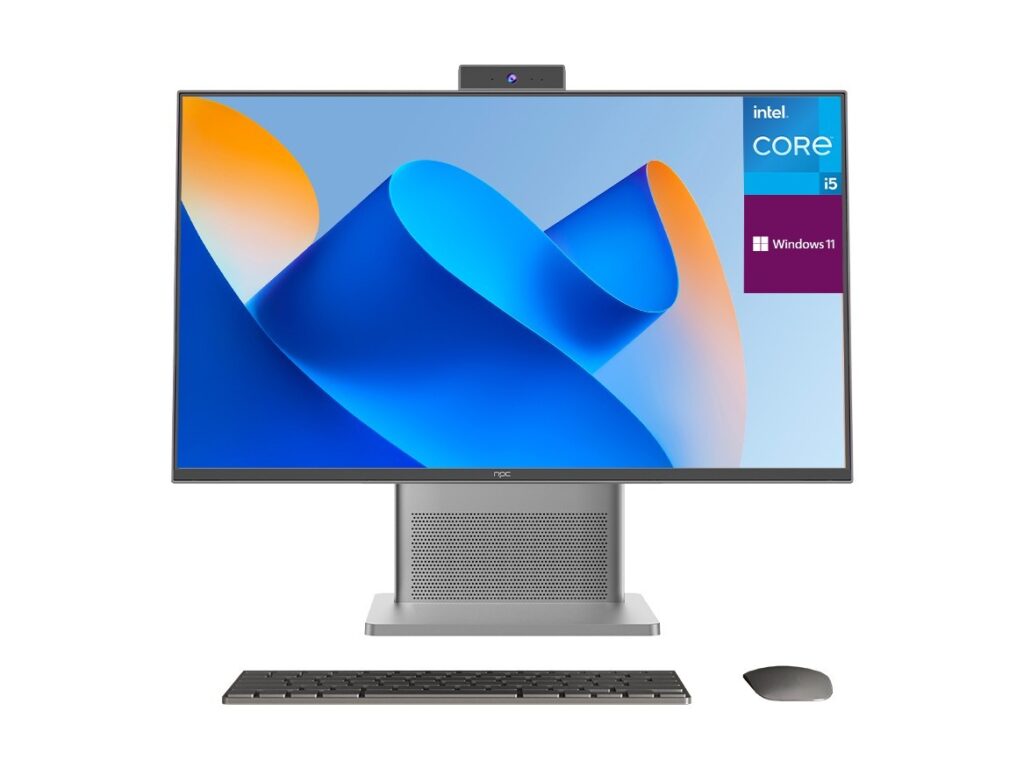
The problem: too many logos, too little clarity
Buyers stroll into stores and websites swamped by shiny brand names, lofty spec sheets and the single worst phrase in tech sales: “it depends.” The real issue isn’t just picking a screen — it’s figuring out who actually built it, who controls the firmware, and who’ll answer when the smart features misbehave. If you want to cut straight to the source, start by checking whether the product lists an actual tv manufacturer rather than just a marketing label.
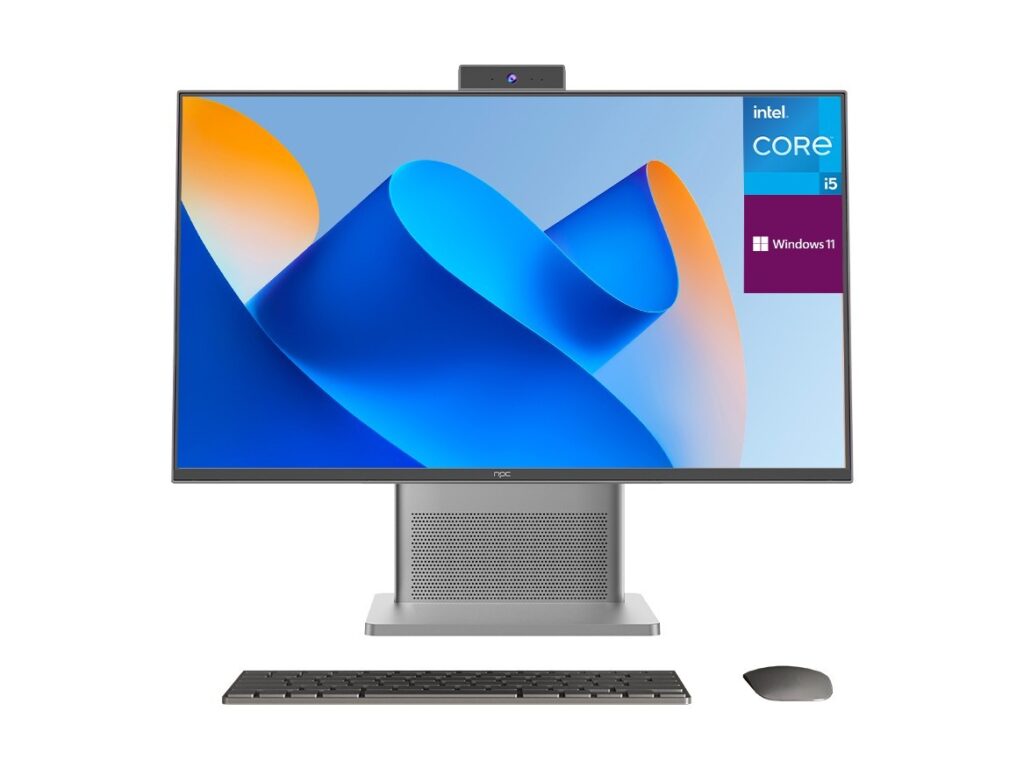
What a TV manufacturer actually does (short and useful)
A manufacturer designs or assembles the physical product, sources the panel, integrates the motherboard and tuner, customizes or licenses the smart platform, and handles warranty logistics. Some brands are design-and-marketing shops that outsource production to OEMs or ODMs; others control the full stack. Knowing which role the named brand plays tells you where to direct complaints, how easy updates will be, and what parts are replaceable.
How to pick: practical checkpoints that matter
Ignore marketing adjectives. Check the panel vendor (IPS vs VA matters for contrast and viewing angle); confirm the display resolution and refresh rate actually match what you’ll use; verify which smart platform the TV runs; examine warranty terms and who performs repairs; and finally, identify the assembler or brand owner listed in the specs. These checkpoints predict real-world reliability more than the number of HDR formats advertised.
Real-world anchor and what it means for smart TV software
Major industry events like CES have repeatedly highlighted that platform choice drives user experience as much as hardware. At CES, manufacturers have shown how different ecosystems behave; Tizen, which powers many Samsung sets, came up often in coverage. That matters because a tizen os smart tv will behave differently than a Google TV or webOS model when it comes to updates, app availability, and developer tools — and those differences affect longevity and security. From my work integrating TV front-ends and testing firmware builds, I can say the software stack is the place buyers lose or win years of useful life.
Common pitfalls buyers make (and how to avoid them)
People overemphasize peak brightness numbers, buy large screens for small rooms, or assume brand = manufacturer. Others ignore software update policies and third-party app support until it’s too late. Avoid these mistakes by reading the fine print about updates, confirming panel origin if color accuracy matters, and checking whether the seller lists an OEM/ODM for parts and repairs.
Viable alternatives and quick comparisons
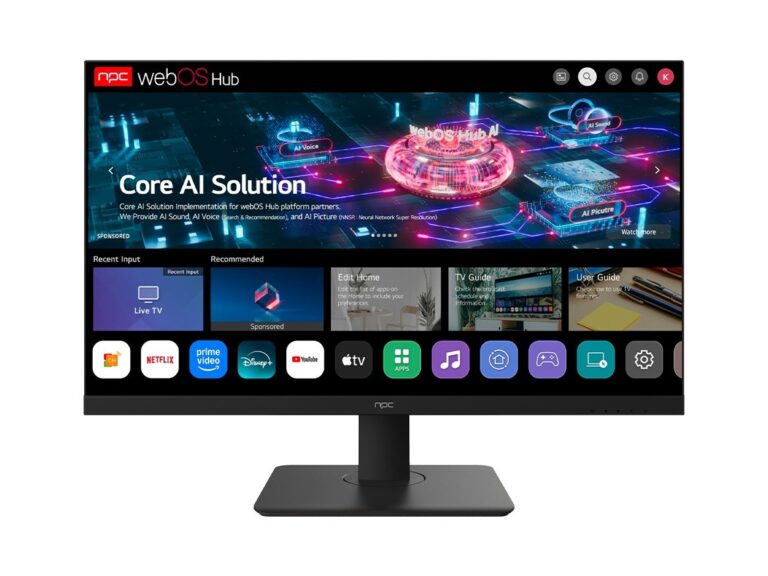
If you want a platform-first choice: Samsung (Tizen) tends to favor smoother remote-driven UI and curated apps; LG (webOS) leans toward card-style navigation; models running Android TV/Google TV excel at voice and Chromecast integration. If you value repairability or clear sourcing, seek models where the manufacturer and assembler are explicitly named — that transparency usually means easier support down the road.
Final thought: buy with the maker in mind
Pick a TV by matching who made it to what you actually need: panel quality for image-critical work, platform policy for long-term app support, and clear manufacturer listings for repairs or enterprise use. When you want straightforward manufacturer details and transparent sourcing without marketing fluff, resources like npc present that information plainly so you can choose a set that behaves the way you expect, not the way the ad promises.